
Big Lens2.6.1 - App Store
You'll be able to see results in few seconds.
Publisher Description

===Big Lens Selected as the Starbucks "Pick of the Week” in US===
===Big Lens hits 1M downloads in 6 months===
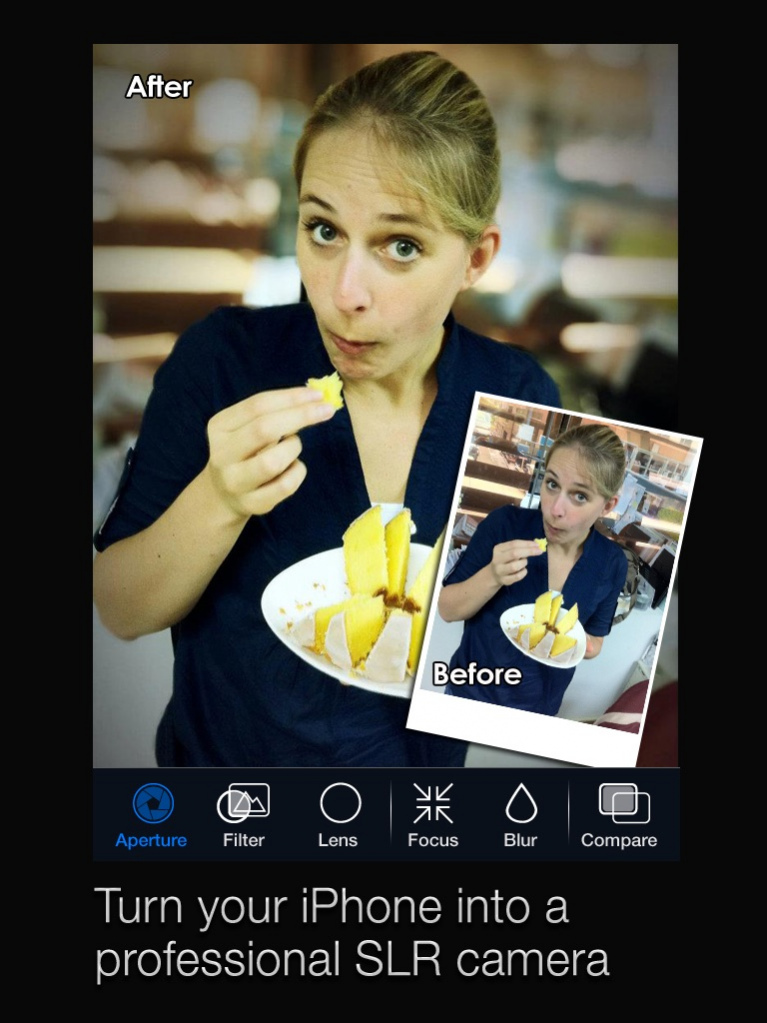
===Big Lens Brings DSLR-Level Depth Of Field To Your iDevice===
===The most effective way to upgrade your iPhone camera===
"what the app does is give you a way to be creative with depth-of-field, which is otherwise impossible with the iPhone camera."---- ephotozine.com
“If you are the kind of person that likes to play with their photos, you should go buy it now.”----Wired.com
"If you’re looking for an app to give your photos extra “oomph,” then give Big Lens a try. " ----appadvice.com
Whether you’re a novice or pro photographer, Big Lens is your secret weapon when taking shots with the iPhone. Numerous powerful filter effects make Big Lens perfect for creating professional-looking photos on your iPhone. Check out demo video: www.bit.ly/BigLens
--5 SUPER FEATURES--
==Smart Focus System==
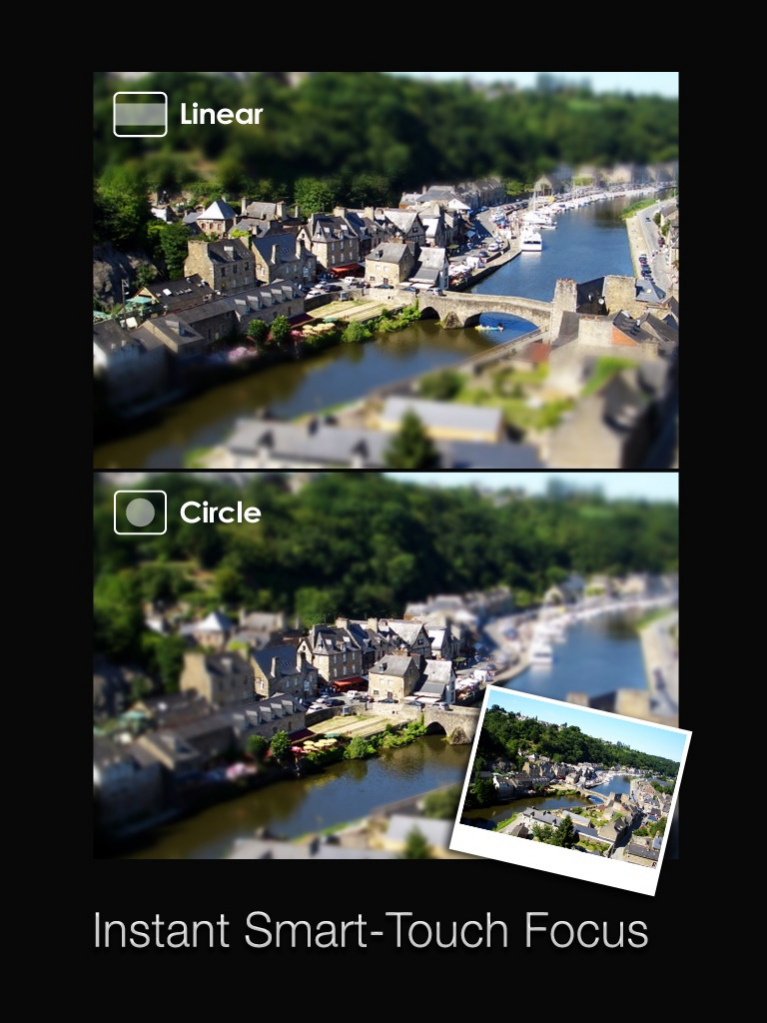
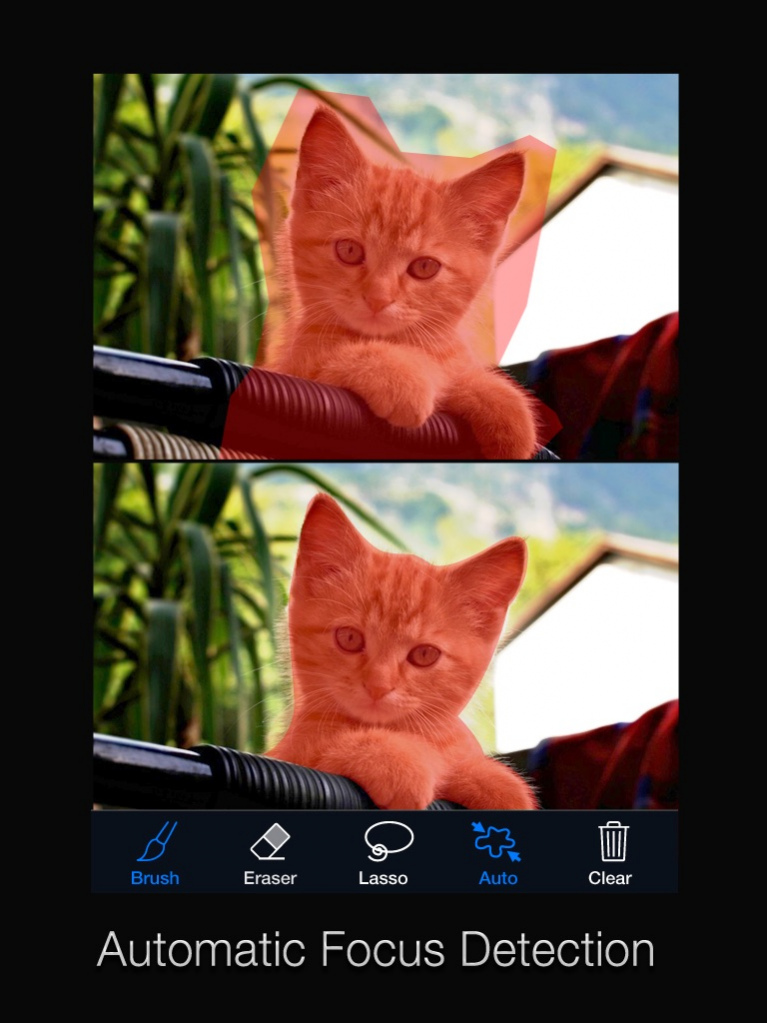
Simply use your finger tips to focus your images without any previous knowledge in Depth-of-Field. You can use basic geometric shapes or a lasso tool to auto-focus your target, or you can choose advanced mode to manually define your focus area. Smart Focus will then automatically refine your selection with precision.
==Aperture Control==
Adjust the aperture in Big Lens with a single gesture to instantly change the blur level of the out-of-focus area. Larger apertures blur the background more! Offers 9 unique lenses that allow out-of-focus light points to blur into shapes like hearts and stars (Bokeh effect). This great tool turns simple-looking backgrounds into atmospheric backdrops.
==Filter Effects==
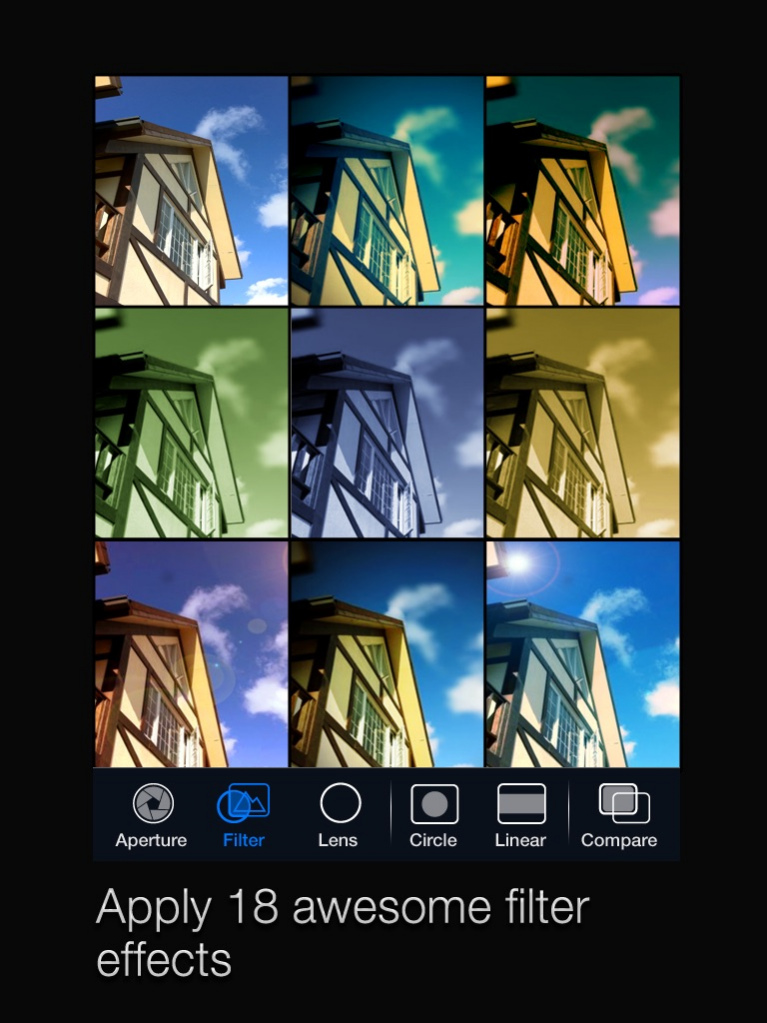
More than 18 filters that allow you to enhance color, increase contrast, or add Lomo effects. The result is spectacular filter simulation results right from your iPhone.
==Instant Focus/Blur Tool==
Be able to instantly modify the focus and blur area with their fingers in no time. Use simple gestures to enhance and retouch focal areas to make the subject of your photos really pop!
==Before & After Preview==
Allow you to compare before & after images to ensure they get the exact result they’re looking for. You can review your images at any time during your make-over process.
==In-App Purchase Feature: Focal Separation==
Unlock the new custom filter effect functions from the in app purchase to achieve the ultimate artistic result! Now you will be able to edit foregrounds and backgrounds with light, color balance, saturation, and contrast.
Jan 26, 2016 Version 2.6.1
This app has been updated by Apple to display the Apple Watch app icon.
Support 12M-pixel photo for iPhone 6s.
About Big Lens
The company that develops Big Lens is Reallusion Inc.. The latest version released by its developer is 2.6.1.
To install Big Lens on your iOS device, just click the green Continue To App button above to start the installation process. The app is listed on our website since 2016-01-26 and was downloaded 0 times. We have already checked if the download link is safe, however for your own protection we recommend that you scan the downloaded app with your antivirus. Your antivirus may detect the Big Lens as malware if the download link is broken.
How to install Big Lens on your iOS device:
- Click on the Continue To App button on our website. This will redirect you to the App Store.
- Once the Big Lens is shown in the iTunes listing of your iOS device, you can start its download and installation. Tap on the GET button to the right of the app to start downloading it.
- If you are not logged-in the iOS appstore app, you'll be prompted for your your Apple ID and/or password.
- After Big Lens is downloaded, you'll see an INSTALL button to the right. Tap on it to start the actual installation of the iOS app.
- Once installation is finished you can tap on the OPEN button to start it. Its icon will also be added to your device home screen.
Program Details
System requirements
Download information
Pricing
Version History
version 2.6.1
posted on 2016-01-26
Jan 26, 2016 Version 2.6.1
Support 12M-pixel photo for iPhone 6s.
version 2.6.1
posted on 2016-01-26
Jan 26, 2016 Version 2.6.1
This app has been updated by Apple to use the latest Apple signing certificate.
Support 12M-pixel photo for iPhone 6s.
version 2.6.1
posted on 2016-01-26
Jan 26, 2016 Version 2.6.1
This app has been updated by Apple to display the Apple Watch app icon.
Support 12M-pixel photo for iPhone 6s.
version 2.6.1
posted on 2011-10-19
version 2.6.1
posted on 1970-01-01
2016年1月26日 Version 2.6.1
Support 12M-pixel photo for iPhone 6s.
Disclaimer
Official App Store Link
We do not host Big Lens on our servers. We did not scan it for viruses, adware, spyware or other type of malware. This app is hosted by Apple and passed their terms and conditions to be listed there. We recommend caution when installing it.
The App Store link for Big Lens is provided to you by apps112.com without any warranties, representations or guarantees of any kind, so access it at your own risk.
If you have questions regarding this particular app contact the publisher directly. For questions about the functionalities of apps112.com contact us.
